25 Best Remote Working Tools in 2026
- Best All-in-One Platform for Remote Teams
- Best Video Conferencing Tools
- Best Project Management Tools
- Best Team Communication Tools
- Best Collaboration and Documentation
- Best Cloud Storage
- Best Time Tracking and Productivity
- Best Remote Access and Support
- Best Scheduling Tools
- Best Feedback and Async Check-ins
- Building Your Remote Tool Stack
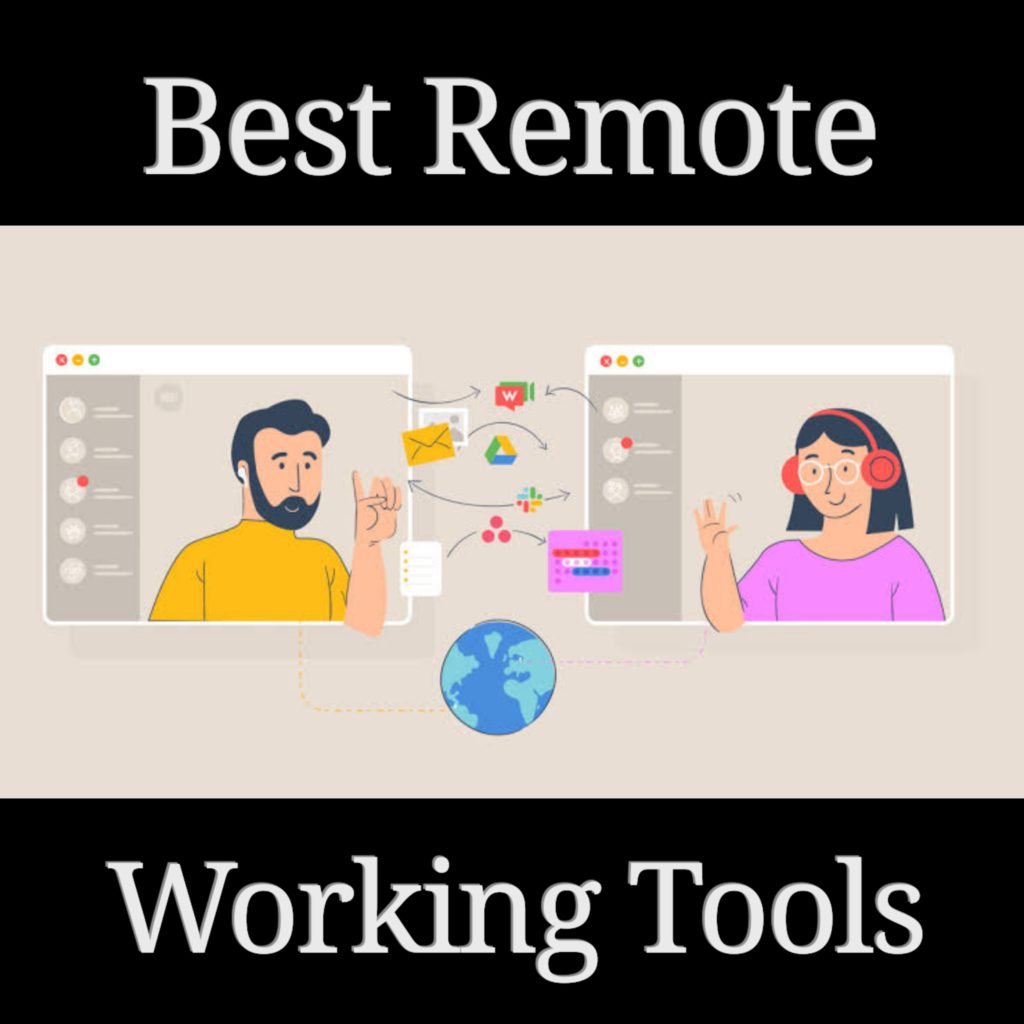
Remote and hybrid work is now the default for most knowledge workers. In 2026, 72% of teams use AI-enhanced tools in their daily workflows, and the best remote stacks combine real-time communication, async collaboration, project management, and automation.
The right tool stack depends on your team size, work style, and budget. Here are the 25 best remote working tools, organized by category.
Best All-in-One Platform for Remote Teams
1. Agiled
Agiled is the best all-in-one platform for remote teams because it replaces the 5-8 separate tools most distributed businesses use. Instead of switching between a CRM, project manager, invoice tool, and scheduling app, your entire remote workflow lives in one place.
What it covers for remote teams:
- Project management — Kanban boards, Gantt charts, task dependencies, and templates keep distributed work organized
- CRM — Track leads and clients with visual pipelines, activity timelines, and custom fields
- Time tracking — Built-in timer for remote employees that ties hours directly to projects and invoices
- Invoicing — Create and send invoices with online payment collection
- Client portal — Portal (branded on Business) where remote clients track projects and approve deliverables
- Scheduling — Booking pages with timezone-aware availability
- Contracts & proposals — E-sign documents without switching platforms
- HR & attendance (Pro and above) — Track remote employee attendance and leave
- Workflow automation (Pro and above) — Automate handoffs, reminders, and approvals across time zones
- AI agents — Draft proposals, emails, and reports with context-aware AI
Why remote teams choose Agiled: When your team is distributed, context switching between tools is even more costly. Agiled keeps everything connected — a signed proposal triggers a project, tracked time flows into invoices, and client updates appear in the portal — all without manual data transfer.
Best Video Conferencing Tools
2. Zoom
Zoom remains the standard for video meetings with reliable quality, screen sharing, breakout rooms, and support for up to 1,000 participants on enterprise plans.
Best for: Video-first meetings, webinars, and large team calls.
Pricing: Free (40 min limit). Pro at $13.33/month. Business at $21.99/month.
3. Microsoft Teams
Microsoft Teams combines video meetings, chat, file sharing, and app integrations. The Together Mode creates a shared virtual space that makes remote meetings feel more natural.
Best for: Teams already using Microsoft 365.
Pricing: Included with Microsoft 365 (from $6/user/month). Free standalone version available.
4. Google Meet
Google Meet offers clean, browser-based video conferencing with tight Google Workspace integration, AI-powered meeting summaries, and real-time translation.
Best for: Teams using Google Workspace.
Pricing: Free for up to 60 minutes. Business Starter at $7/user/month.
Best Project Management Tools
5. Asana
Asana is a clean project management tool with lists, boards, timelines, and portfolios. Rules automation keeps work flowing without manual intervention.
Best for: Cross-functional teams that need structured workflows.
Pricing: Free for up to 15 users. Starter at $13.49/user/month.
6. Monday.com
Monday.com offers visual boards with customizable workflows, automation recipes, and dashboards for tracking progress across projects.
Best for: Non-technical teams that want visual workflows.
Pricing: Free for up to 2 users. Basic at $12/seat/month.
7. ClickUp
ClickUp is a feature-dense workspace with 15+ views, docs, whiteboards, chat, and custom automations. Highly flexible for different team styles.
Best for: Teams that want maximum customization.
Pricing: Free plan available. Unlimited at $10/member/month.
Best Team Communication Tools
8. Slack
Slack is the most popular messaging platform for remote teams, with channels, threads, huddles, and 2,600+ app integrations.
Best for: Real-time team communication and integration hub.
Pricing: Free plan available. Pro at $8.75/user/month.
9. Discord
Discord has evolved from a gaming platform into a versatile communication tool, with persistent voice channels, text channels, and screen sharing ideal for always-on remote teams.
Best for: Startups and creative teams that want persistent voice rooms.
Pricing: Free. Nitro at $9.99/month for enhanced features.
10. Loom
Loom lets remote workers record and share screen + camera videos for async communication — replacing meetings with 2-minute video messages.
Best for: Async updates, walkthroughs, and feedback that does not need a live meeting.
Pricing: Free for up to 25 videos. Business at $15/creator/month.
Best Collaboration and Documentation
11. Notion
Notion combines docs, wikis, databases, and project management in a flexible workspace. AI features assist with writing and summarization.
Best for: Team wikis, documentation, and lightweight project tracking.
Pricing: Free plan available. Plus at $12/seat/month.
12. Google Workspace
Google Workspace provides Docs, Sheets, Slides, Drive, and Gmail with real-time collaboration. The backbone of many remote teams.
Best for: Document collaboration and cloud storage.
Pricing: Business Starter at $7/user/month. Business Standard at $14/user/month.
13. Miro
Miro is an online whiteboard platform for brainstorming, diagramming, and visual collaboration. Supports real-time and async workflows.
Best for: Workshops, planning sessions, and design thinking.
Pricing: Free plan available. Business at $20/member/month.
14. Figma
Figma is the standard design tool for remote design teams, with real-time collaborative editing, prototyping, and a developer handoff mode.
Best for: Design teams and product development.
Pricing: Free for up to 3 projects. Professional at $15/editor/month.
Best Cloud Storage
15. Google Drive
Google Drive offers 15GB free with Google account, integrates with Google Workspace, and syncs across all devices.
Pricing: Free (15GB). Google One from $1.99/month (100GB).
16. Dropbox
Dropbox provides reliable cloud storage with smart sync, large file sharing, and integrations with productivity tools.
Pricing: Plus at $11.99/month (2TB). Business at $15/user/month (as much storage as needed).
Best Time Tracking and Productivity
17. Toggl Track
Toggl Track is a simple time tracker with one-click timers, reporting dashboards, and project-level billing. Popular with freelancers and agencies.
Best for: Simple time tracking with reporting.
Pricing: Free for up to 5 users. Starter at $10/user/month.
18. Time Doctor
Time Doctor is a productivity-focused time tracker with screenshots, app/website tracking, and distraction alerts for remote employees.
Best for: Teams that need visibility into remote work habits.
Pricing: Basic at $7/user/month. Standard at $10/user/month. Premium at $20/user/month.
19. Hubstaff
Hubstaff combines time tracking with screenshots, GPS tracking, and payroll automation for remote and field teams.
Best for: Teams with remote and field workers.
Pricing: Starter at $7/seat/month. Grow at $9/seat/month. Team at $12/seat/month.
Best Remote Access and Support
20. TeamViewer
TeamViewer provides secure remote desktop access, file transfer, and remote support across devices — essential for IT teams supporting remote employees.
Best for: IT support and remote device management.
Pricing: Free for personal use. Business at $24.90/month.
21. Parsec
Parsec offers ultra-low-latency remote desktop access, popular with creative teams that need to access powerful workstations remotely.
Best for: Remote access to high-performance machines.
Pricing: Free for individuals. Teams at $30/user/month.
Best Scheduling Tools
22. Calendly
Calendly is the standard scheduling tool for booking meetings across time zones without the back-and-forth emails.
Best for: Meeting scheduling with external clients and prospects.
Pricing: Free plan available. Standard at $12/seat/month. Teams at $20/seat/month.
23. SavvyCal
SavvyCal is a scheduling tool that shows both your calendar and the booker's calendar side by side, making it easier to find mutually convenient times.
Best for: Polite scheduling that respects both parties' availability.
Pricing: Free plan available. Classic at $12/user/month.
Best Feedback and Async Check-ins
24. Geekbot
Geekbot runs async standups, retrospectives, and check-ins through Slack or Microsoft Teams, keeping remote teams aligned without live meetings.
Best for: Async standups and team check-ins.
Pricing: Free for up to 10 members. Pro at $2.50/user/month.
25. Donut
Donut pairs remote team members for virtual coffee chats, helping distributed teams build relationships and reduce isolation.
Best for: Remote team culture and casual connections.
Pricing: Free for up to 24 users. Paid plans from $49/month.
Building Your Remote Tool Stack
The biggest mistake remote teams make is adopting too many tools. Start with an all-in-one platform that covers your core operations, then add specialized tools where needed.
Recommended starter stack:
| Need | Tool |
|---|---|
| All-in-one business ops | Agiled — CRM, projects, invoicing, time tracking, HR |
| Video meetings | Zoom or Google Meet |
| Team messaging | Slack |
| Documentation | Notion or Google Workspace |
| Scheduling | Calendly or Agiled's built-in scheduler |
This covers 90% of what a remote team needs in 4-5 tools, with Agiled handling the majority of business operations.
For more useful information, browse the resources guide today!
Related Articles:
Ready to streamline your business?
Try Agiled free for 14 days and see how our all-in-one platform can help you manage your business more efficiently.